 MDViewer
Rendering Mermaid inside a sandboxed Quick Look extension
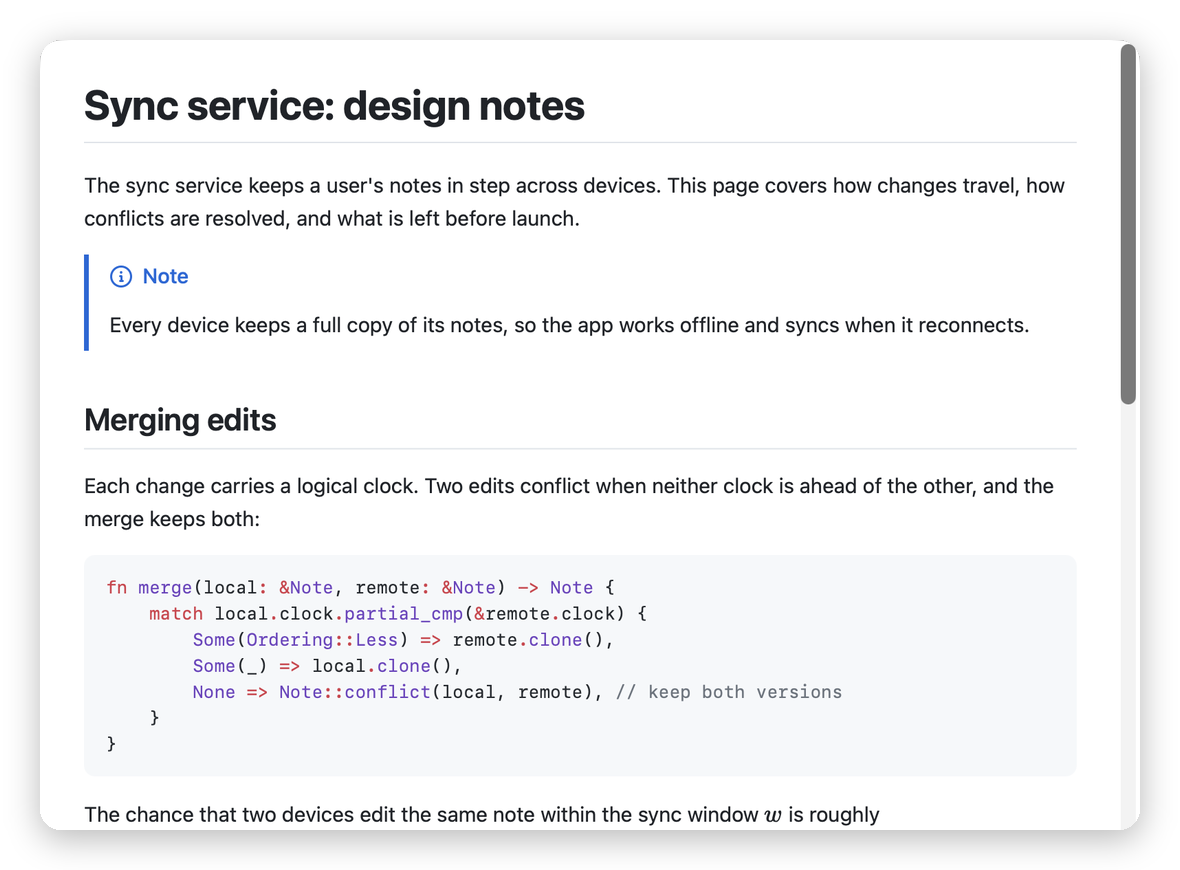
Press space on a Markdown file in Finder and MDViewer's Quick Look extension shows it rendered: highlighted code, KaTeX math and Mermaid diagrams included. Mermaid is a large, JavaScript-heavy library, and Quick Look extensions run in a strict sandbox. Someone asked how that works, so here are the parts that matter.
A small Swift extension that hosts a web view
The extension is a view-based Quick Look preview, a QLPreviewingController, written in a single
Swift file and compiled with swiftc, without an Xcode project. Its view is a
WKWebView that loads a preview page bundled inside the extension, with read access to that
folder only:
webView.loadFileURL(web.appendingPathComponent("preview.html"), allowingReadAccessTo: web)When the page has loaded, Swift passes it the file's text and waits for rendering to finish before telling Quick Look the preview is ready, so you never see a half-drawn page:
webView.callAsyncJavaScript(
    "await window.mdvRender(source, baseDir)",
    arguments: ["source": job.source, "baseDir": job.baseDir],
    in: nil, in: .page
) { [weak self] _ in self?.finish(nil) }
The page uses the same Markdown pipeline as the app (markdown-it, Shiki, KaTeX, DOMPurify), built by Vite as one classic script, so previews match the app.
The sandbox needs one permission
JavaScript isn't the problem: a web view runs it in WebKit's own helper process. The catch is that this process doesn't start inside a sandboxed extension unless the extension may open network connections. The extension's entitlements are just these two:
<key>com.apple.security.app-sandbox</key>      <true/>
<key>com.apple.security.network.client</key>  <true/>
The network permission also lets images from the web load. Navigation is locked down: only the preview page itself may load, and links can't take the preview anywhere else.
Mermaid as one file, loaded only when needed
Modern Mermaid builds load their code in pieces (ES module chunks), which a sandboxed file://
page can't do. So the extension carries Mermaid's single-file build, mermaid.min.js, and the page
adds it as a plain script, only when the document actually contains a diagram:
const script = document.createElement("script");
script.src = "mermaid.min.js";
script.onload = () => resolve(globalThis.mermaid);
document.head.append(script);
Documents without diagrams never load it. Mermaid runs at its strict security level, so a
diagram's text can't add scripts or click handlers.
One copy, shared with the app
The app needs Mermaid too, and at first it built its own copy into the program. Since the extension already
carries the single-file build, the app now loads that same file through a small custom URL scheme,
mdvres://, which serves an explicit list of files from inside the app bundle. That cut the
download noticeably:
| Download | Before | After |
|---|---|---|
| Apple silicon DMG | 6.93 MB | 5.60 MB |
| Universal DMG | 11.55 MB | 8.88 MB |
The one limit
Quick Look only lets the extension read the file being previewed. Images stored next to the document can't load, so the preview shows their description instead. Diagrams and math come from the file's own text, so they're unaffected. Very large files are cut at 5 MB.
The code is MIT-licensed: see quicklook/ and src/quicklook/ in the
MDViewer repository.
Download MDViewer or install it with
brew install --cask mmmikael/tap/mdviewer.